
iPhone Kupi Dance
Turn a casual phone-shot dance into a punchy social-video routine with quick steps, playful framing and a strong finale.
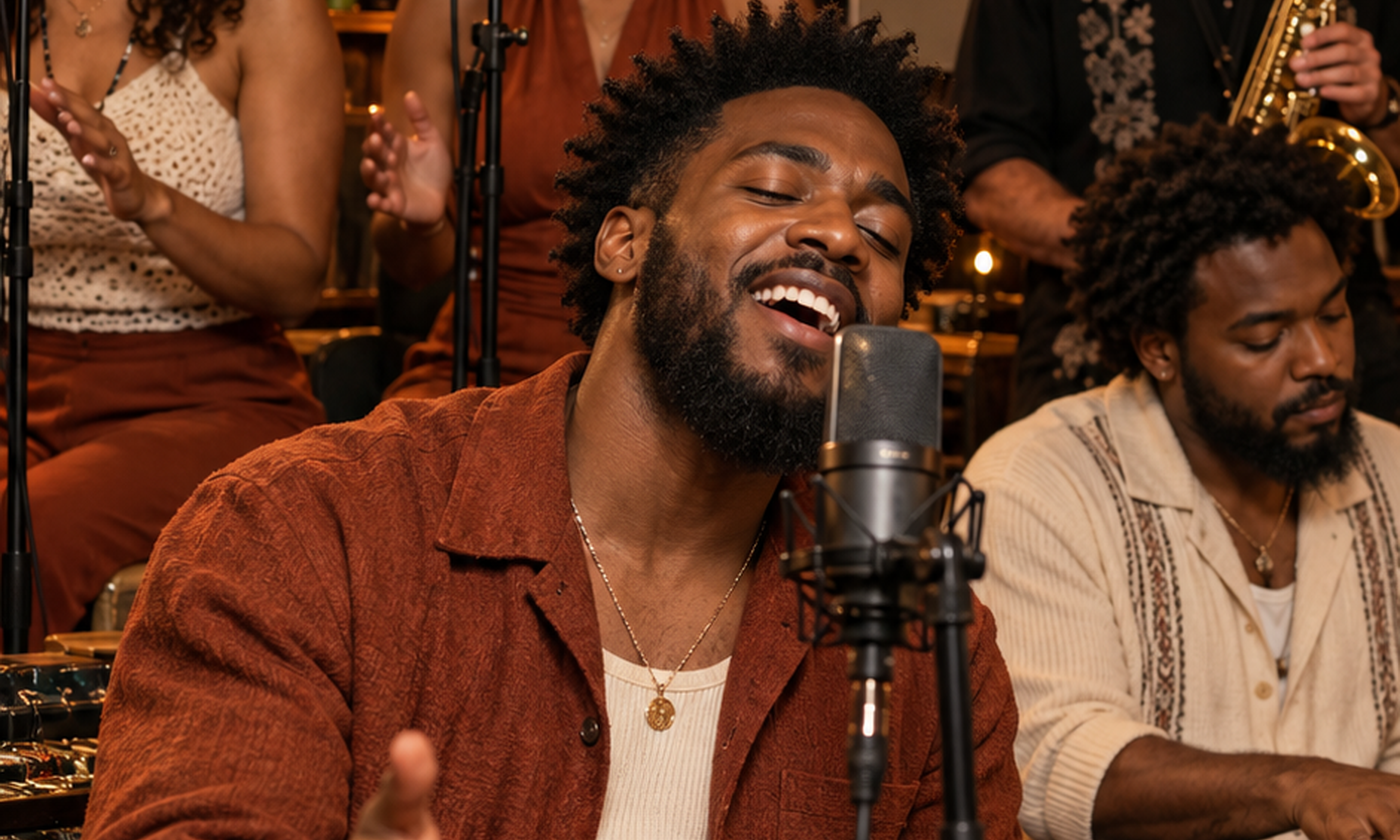
What this trend should show
The strongest version of this idea starts with one immediately readable moment. Turn a casual phone-shot dance into a punchy social-video routine with quick steps, playful framing and a strong finale. The result should feel like a finished short-form scene, not a collection of disconnected visual effects.
Establish the subject first. Use a bright bedroom, studio corner or street wall that feels native to short-form mobile video. Put the most recognizable detail in the opening frame, then let the motion and light carry the transformation. Keep the look natural, use crisp mobile-video lighting and let the choreography carry the effect.
A three-beat shot plan
Establish
Hold a clean portrait long enough to recognize the face, outfit and setting. Keep the first frame simple.
Perform
Use an upbeat sidestep, arm roll and final phone-aware pose with one clean cut between angles.
Land the idea
End on a stable hero frame that can become the video thumbnail. Keep the line of action clear and the background quieter than the subject.
Choose the source photo
Use a full-body photo with a relaxed pose and visible hands and feet; bright clothing separates well from a simple wall.
- Use one clear person or animal per photo, facing the camera with even light.
- Keep hands, feet, ears and accessories visible when the motion depends on them.
- Use photos you own or have permission to use, and keep the joke kind.
Copy-ready prompt
Start with the prompt below, then change only one variable at a time. Keep identity, scale and clothing details explicit so the model has a stable target.
Photorealistic short-form dance video, subject performs an upbeat sidestep and arm roll in a bright bedroom studio, playful phone-aware final pose, crisp natural lighting, quick vertical angle cut, vertical 9:16, no text.
If the first generation drifts, shorten the prompt rather than adding more camera instructions. Describe the subject, one dominant action, the setting and the final look.
Captions and creative variations
The caption should explain the setup without repeating the visual. Match the tone to the scene and identify the output as AI when your platform or audience expects disclosure.
- The routine lives in my camera roll
- One take, full confidence
- Kupi heard the beat
- Try the same motion in a matching color palette for a cleaner, more editorial result.
- Change the setting before changing the person so identity stays consistent.
- Use a friend or family photo only when everyone in the cast has agreed to the concept.
What to avoid
- Avoid text, logos, watermarks and brand marks unless they belong to your own asset.
- Avoid warped faces, extra fingers, duplicated limbs and sudden identity changes.
- Avoid asking the model to copy a protected film scene or another creator’s exact frame.
iPhone Kupi Dance FAQ
What is the best source photo?
Use a full-body photo with a relaxed pose and visible hands and feet; bright clothing separates well from a simple wall.
What motion should the edit use?
Use an upbeat sidestep, arm roll and final phone-aware pose with one clean cut between angles.
How can I keep the result from looking generic?
Make the use a bright bedroom, studio corner or street wall that feels native to short-form mobile video. specific to your subject, preserve one recognizable outfit or color cue, and keep the final caption tied to a personal moment.
Build your iPhone Kupi Dance concept.
Start in the studio, add a source photo and review your plan before opening the simulated queue.